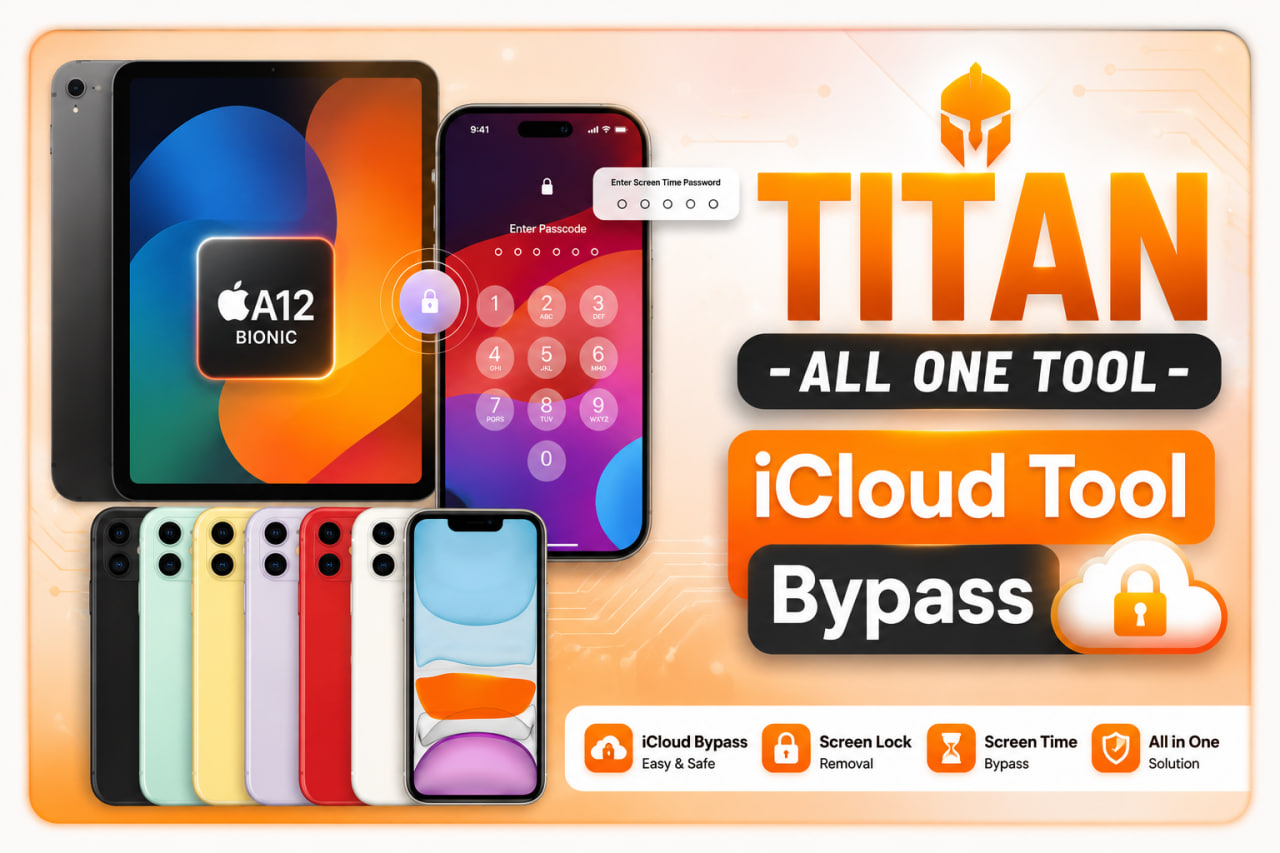
Say hello to the ultimate Ramdisk, Passcode & iCloud Bypass Engine for iPhone & iPad.
Full signal support, untethered boot, iOS 15 - 17.x support with instant automated ECID registration.
One-click passcode backup & restore, Hello bypass, disabled screen fix, and deep FAIRPLAY key extractions.
[+] TITAN APPLE TOOL v1.0 connected
[+] Mode: PWNDFU (checkm8)
[+] Processing Ramdisk Boot...
[+] 100.0% Boot Completed Successfully!
Manage your account balance, purchase credits, monitor active device registrations, and view your purchase history.
client@titantoolbypass.store
Registered Devices
Successful Boots
Auto API Active
| Device Model | ECID / Serial Number | Service Type | Date | Status |
|---|---|---|---|---|
| iPhone 11 | 0x0011081A023B402E |
A12/A13-USB8 Ramdisk With Signal | 2026-07-25 | Registered |
| iPhone XS Max | 0x0011082C901A2011 |
A12/A13-USB8 Ramdisk With Signal | 2026-07-24 | Registered |
| iPhone X (GSM) | 0x0005481A300A0326 |
Passcode & Hello Bypass Checkm8 | 2026-07-23 | Registered |
Check if your device ECID or Serial Number is registered or instantly register it into the server database.
Instant 24/7 automated service purchase and ECID activation using Autopago or Credits balance.
Our server processes ECID registrations in real-time. No manual approval required.
A12/A13 USB8 Ramdisk service includes untethered signal, iCloud login, and FaceTime.
Once registered, you can re-bypass or re-boot the device as many times as needed for free.
The TITAN Apple Tool Windows app automatically recognizes your purchase immediately upon boot.
Download the latest official release of TITAN Apple Tool for Windows 10 & 11.
Complete All-In-One solution for A8 to A13 devices, including SSH Ramdisk, Passcode Backup/Restore, FairPlay key extractor, and A12/A13 FULL support.
Ensure these components are installed on your Windows PC for proper device detection:
Competitive reseller pricing and automatic credit tiers for all Apple devices.
iPads, to iPhone XS - 11 PRO MAX - (A12/A13)
iPhone 8, iPhone 8 Plus, iPhone X
iPhone XS, XR, 11, Pro, Max, SE2, IPADS
Open Binance or your Web3 wallet and scan the QR code above or paste payee address.
Type the USDT amount precisely as shown: 5.00 USDT
Paste the 5-digit reference code into the note field: 78103
Review all details, send payment, and click the button below to confirm.
Historial exclusivo de órdenes vinculadas a tu equipo/HWID (ID: -)
| Código Orden | Nota (5 Dígitos) | Detalle | Monto | Estado | Fecha |
|---|---|---|---|---|---|
| Cargando historial de pagos... | |||||